
Artificial intelligence is now part of many children’s schoolwork, search habits, games, and social lives. Families need a clear plan for using these tools, protecting privacy, and asking for help when something feels wrong.
An AI safety guide for parents begins with a simple idea: AI can be useful, but it is not a trusted friend, therapist, teacher, or final source of truth. The goal is privacy, critical thinking, and knowing when to ask a real person for help.
Know the Two AI Risks at Home
Two AI tools deserve special attention because they can affect privacy, relationships, and a child’s sense of what is real: deepfakes and chatbots.
What is an AI deepfake?
A deepfake is an image, video, or audio clip created or altered with AI so that it appears real. It may place someone’s face in a false scene, make them appear to say something they never said, or change an ordinary image in harmful ways. Convincing is not the same as true.
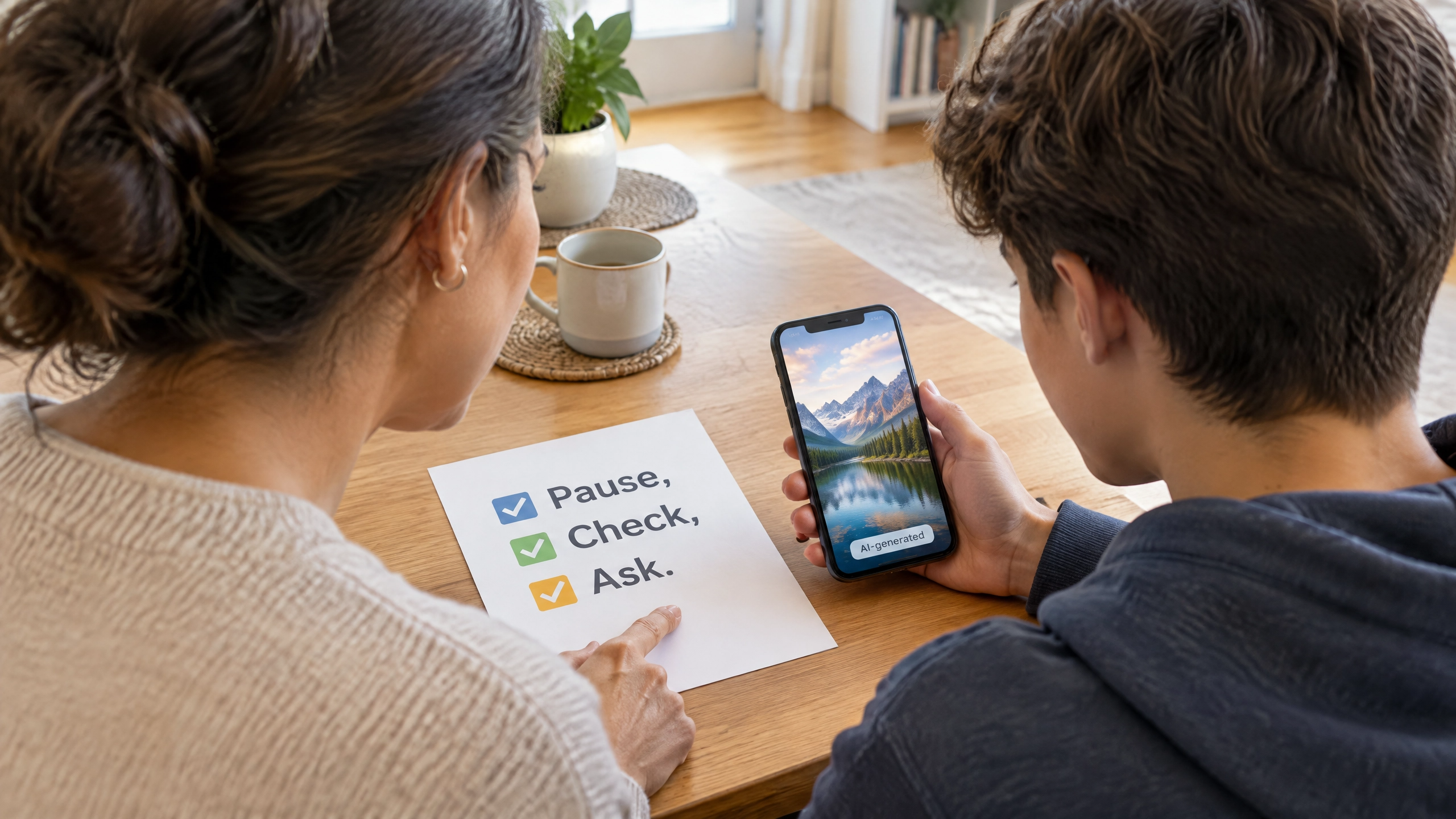
Teach children a short pause before they react, share, or accuse someone. Ask: “Where did this come from?” “Can we find a reliable original source?” and “Could this have been edited or generated?” A deepfake may be used for a joke, a scam, bullying, or something more serious. The right response is to slow down and get a trusted adult involved, not to spread it further.
What is an AI chatbot?
An AI chatbot produces a conversation-like response to a user’s prompt. It can help brainstorm ideas, explain a concept, or draft a practice quiz. It does not know your child personally, even when its language sounds warm or human. It can be inaccurate, miss context, and respond in age-inappropriate ways.
UNICEF’s guidance on AI chatbots and companions notes that children may disclose private information and become emotionally reliant on conversational systems. Use a chatbot as a tool, never as a substitute for a trusted adult, friend, teacher, counselor, or healthcare professional.
Start With a Calm Family Conversation
You do not need to be an AI expert to begin. Ask, “What AI tools are you using at school, at home, or with friends?” Keep the tone curious. If children expect punishment, they may hide the information that would help you support them.
Ask four practical questions
Ask what the tool does, what they use it for, whether it asks for personal information, and what they would do if it produced something upsetting. A younger child may need a short list of approved tools. A teen may need a fuller conversation about privacy, consent, misinformation, and school policy.
Make the message clear: do not share a full name, school name, home address, phone number, passwords, location, family schedule, private photos, or another person’s information with an AI tool. If a child is unsure, ask an adult first.
A chatbot can help create questions for a science-study session. It should not decide whether a child has a health condition, solve a serious friendship problem, or keep a secret from a caregiver. A trustworthy adult should be the next step when a digital interaction feels uncomfortable.

Make Clear Rules for Images and Chatbots
A family agreement works best when it tells children what to do, not only what to avoid. Put rules somewhere visible, review them as children grow, and apply them across homework sites, social apps, and games.
Set rules for photos and consent
Make it a family rule not to upload, create, alter, or share another person’s image without permission. This includes classmates, siblings, teachers, and friends. Never use an AI image tool to place someone in a false situation or turn a private photo into group-chat content.
For a broader conversation about family photos and privacy, link this guidance with our article on the sharenting dilemma for High Country parents. The same principle applies to both parent and child: pause before sharing, protect someone’s dignity, and remember that a screenshot can travel far beyond its intended audience.
Set rules for schoolwork and chatbots
Ask your child’s school what AI tools are approved and how students should disclose AI help. A tool may be appropriate for brainstorming or checking a concept, but copying an AI response as original work is not learning. Use AI output as a starting point, verify facts with reliable sources, and complete the thinking in your own words.
Our guide to AI literacy for High Country families offers a foundation for teaching children to question confident-sounding answers. For an easy way to write household expectations, use the ideas in our family tech contract and add an AI section covering approved tools, personal information, schoolwork, images, and the rule to tell an adult when something feels off.
Ask the School the Right Questions
AI conversations work better when families and schools are aligned. Ask which tools are approved, what student data is collected, when AI is allowed for an assignment, how use should be disclosed, and who a child should tell about harmful AI-generated content.
The North Carolina Department of Public Instruction AI resources include statewide guidelines and educator materials. The child’s school remains the source for current classroom rules and reporting procedures.

Respond Calmly if Something Harmful Appears
If your child encounters a harmful, fake, threatening, or sexualized AI-generated image, video, or chat, start with calm. Thank them for telling you. Ask them not to forward, download, edit, argue with, or repost the material. More sharing can increase harm.
Use the platform’s report and safety tools, then consult the Federal Trade Commission’s child online-safety resources for guidance on privacy, parental controls, and image-based abuse. If the content involves school, use its reporting pathway. If your child may be in immediate danger, call 911. For a mental-health crisis or thoughts of self-harm, call or text 988 in the United States.
Do not investigate alone or demand every detail immediately. Focus first on safety and support. A school administrator, pediatrician, qualified mental-health professional, law-enforcement agency, or other authority can help determine next steps.
Keep the Door Open as AI Changes
AI tools will keep changing, and one conversation will not cover everything. Revisit the topic after a new app, a school project, a social-media trend, or a difficult online experience. A five-minute check-in is more likely to work than a one-time lecture.
For older children who are also navigating broader platform rules and peer pressure, our guide to social media age laws and High Country families adds helpful context. The most protective message is also the simplest: AI can be useful, but your child never has to manage a confusing or harmful digital moment alone.